Top 5 Reasons to Use WP Event Manager
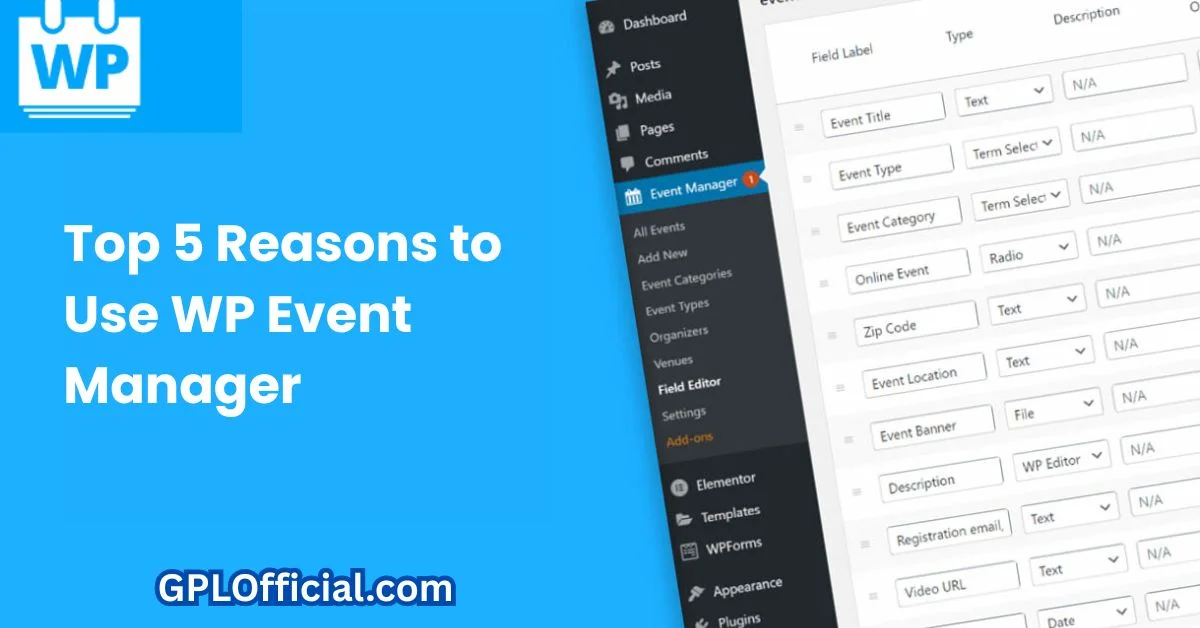
If you need to add event listings to a WordPress site — whether that’s a single conference page, a recurring meetup calendar, or a full event-registration workflow for a venue — WP Event Manager is one of the most established plugins built specifically for that job. It’s open-source, lightweight, and has been actively maintained for years, which matters in a plugin category where a lot of alternatives get abandoned after a version or two.
Here’s an honest look at what it does well, where it falls short, and whether it’s the right fit for your site.
The Short Version
- Free core plugin with event listings, submission forms, and category/location filtering built in
- Lightweight — doesn’t noticeably slow down page load the way some all-in-one event suites do
- Add-ons are sold individually (registrations, payments, recurring events, calendar views) rather than bundled
- Customer support response times are a recurring complaint in user reviews — expect delays on tickets
- Best fit: sites that need simple, shortcode-driven event listings without full ticketing complexity
What WP Event Manager Actually Does
At its core, WP Event Manager turns your WordPress site into an event listing directory. You get a front-end submission form (so event organizers, or you, can add events without touching the admin dashboard), category and location-based filtering, and a clean event listing page that works with most themes out of the box — including lightweight ones like Astra and GeneratePress.
The free version covers the basics well: single event pages, an events archive, and search/filter widgets. Where it becomes a real event-management system is through its paid add-ons — registrations, WooCommerce Paid Listings, recurring events, and a calendar view, each sold and activated separately rather than as one bundle.
Pricing and Add-Ons
| Component | Cost | What It Adds |
|---|---|---|
| WP Event Manager Core | Free | Event listings, submission form, categories, search/filter |
| Registrations Add-on | Paid, per site/year | Attendee sign-up and RSVP tracking |
| WooCommerce Paid Listings | Paid, per site/year | Charge organizers to submit or feature an event listing |
| Recurring Events Add-on | Paid, per site/year | Weekly/monthly repeating events without manual re-entry |
| Calendar Add-on | Paid, per site/year | Month/week calendar grid view instead of a list |
This à la carte pricing is worth understanding before you install: unlike an all-in-one plugin such as The Events Calendar, you’re paying only for the specific features you need — which keeps costs down for a simple listing site, but adds up quickly if you need recurring events, registrations, and paid listings all together.
Where WP Event Manager Is Genuinely Strong
Lightweight by Design
Unlike bulkier event suites that load a full calendar app’s worth of scripts on every page, WP Event Manager only loads what’s needed on event-related pages. If your site’s speed matters for SEO or AdSense (and it always should), this is one of the more page-speed-friendly options in its category.
Front-End Event Submission
Letting organizers submit their own events without giving them WordPress admin access is a genuinely useful feature for community sites, local business directories, or membership organizations — you moderate submissions instead of typing every event in yourself.
Flexible Add-On Model
Because add-ons are separate, a site that just needs a simple public events list never has to pay for registration or payment features it won’t use — a real advantage over one-size-fits-all event plugins for smaller sites.
Where It Falls Short
Customer Support Is a Recurring Complaint
Across multiple review platforms, slow support response time is the most consistently repeated criticism — some users report support tickets taking over a week to get a reply. If you need fast turnaround on a technical issue, plan around this rather than assume same-day help.
Shortcode-Heavy Customization
Deeper layout customization relies on shortcodes rather than a visual settings panel, and finding the exact shortcode parameter you need can involve digging through documentation. This is manageable for anyone comfortable editing a page, but it’s a real step up in complexity from a plugin with a full visual customizer.
Add-On Costs Add Up
A site that eventually wants registrations, recurring events, and paid listings will end up paying for three separate add-ons — at that point, it’s worth comparing the total cost against an all-in-one alternative before committing.
Getting It Set Up
Installation follows the standard WordPress pattern: search for “WP Event Manager” under Plugins → Add New, install and activate it, and the plugin automatically creates an Events post type along with dedicated archive and submission-form pages. From there, go to Event Manager → Settings to set your default event duration, choose whether submissions require approval before going live, and set up category taxonomies (conference, workshop, networking, and so on) that visitors can filter by. Most sites are fully functional within 15–20 minutes, even without any add-ons installed.
How It Compares to Other Event Plugins
WP Event Manager isn’t the only option in this space, and it’s worth knowing where it sits relative to the alternatives before you commit.
- The Events Calendar — the most widely used WordPress event plugin, with a more polished built-in calendar view and a larger ecosystem of add-ons, but a heavier footprint and a steeper cost once you need premium features.
- Modern Events Calendar — leans more visual and design-forward out of the box, with more layout options for calendar and grid views, but a less flexible free tier than WP Event Manager.
- Sugar Calendar — a simpler, calendar-first plugin best suited to sites that mainly need a visual calendar rather than a full listing/directory structure.
If your main need is a directory-style events listing with front-end submissions — rather than a visual calendar grid as the primary interface — WP Event Manager’s structure fits that use case more directly than the calendar-first alternatives above.
A Realistic Example
Say you’re running a local business association site that needs a simple public calendar of member events — a ribbon-cutting, a monthly networking breakfast, a holiday market. The free version of WP Event Manager handles this completely: members submit through the front-end form, you approve each listing, and visitors filter by category or date. You’d only need to reach for a paid add-on the moment you want attendees to formally RSVP or pay for a ticket through the site itself.
Does WP Event Manager work well for recurring events?
Recurring event support depends on which add-ons are active — the core plugin handles single events cleanly, while recurring scheduling (weekly classes, monthly meetups) typically needs a dedicated add-on or careful manual duplication of listings. Check the current add-on list on the plugin’s official page for the specific recurring-events extension before assuming it is built into the core free version.
Can attendees register without creating a WordPress account?
Yes — event registration through the plugin’s front-end forms does not require a full WordPress user account on the visitor’s side, which matters for a public event listing where forcing account creation would raise friction and hurt registration completion rates. Organizers submitting or managing listings, by contrast, typically do need at least a basic front-end submission account or dashboard access.
Frequently Asked Questions
Is WP Event Manager free to use?
Yes, the core plugin is completely free and covers event listings, submissions, and filtering. Registrations, recurring events, and payment features require separate paid add-ons.
Does WP Event Manager support ticket sales?
Ticket and payment handling comes through the WooCommerce Paid Listings add-on rather than the free core plugin, so you’ll need WooCommerce installed alongside it for that functionality.
Is WP Event Manager better than The Events Calendar?
It depends on your needs. The Events Calendar is more of an all-in-one solution with a bundled feature set; WP Event Manager’s à la carte pricing works out cheaper for sites that only need a subset of features, like a simple public listing page.
Will WP Event Manager slow down my site?
No more than any other well-coded plugin — it only loads its scripts on event-related pages, which is lighter than most full calendar suites that load resources site-wide.
Can I use WP Event Manager without coding knowledge?
Basic setup and event submission require no coding at all. Deeper layout customization uses shortcodes, which is more approachable than raw code but still requires some comfort editing pages.
The Bottom Line
WP Event Manager is a solid, lightweight choice if you need straightforward event listings without paying for a full ticketing platform you won’t use. The à la carte add-on pricing rewards sites with simple needs and penalizes sites that eventually want everything — and the well-documented support delays are worth factoring in before you rely on it for anything time-sensitive. For a comparable “manager-style” plugin review, see our WP Job Manager review, which follows a similar free-core-plus-add-ons model for job board listings.


